
02 Sep 4 ways Zuora Revenue automates contract modifications and revenue recognition waterfalls
How to automate complex contract modification workflows in Zuora Revenue without manual ledger adjustments
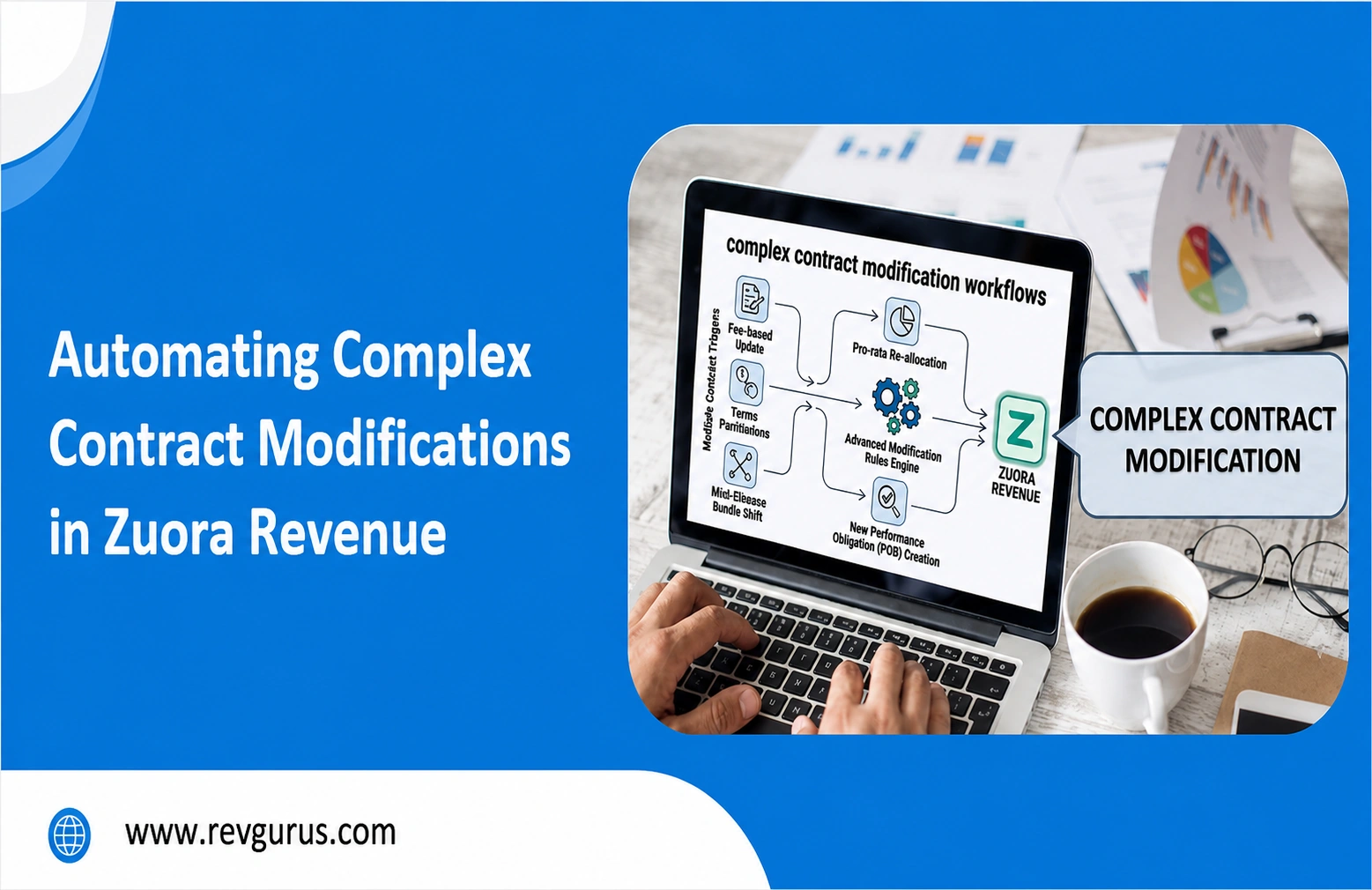
Mid-term customer changes such as upsells, downgrades, early terminations, and coinciding additions can help boost sales growth, but they also add complexity for finance teams. When subscriptions are updated partway through a billing period, tracking these changes across revenue schedules manually increases the risk of errors. Using spreadsheets and manual journal entries to correct ledger discrepancies can slow down the month-end close and increase audit risk.
By configuring rules in Zuora Revenue, finance teams can automate contract changes and maintain general ledger accuracy.
Common Pain Points in Post-Signature Contract Changes
- Disrupted Revenue Schedules: When a customer changes a subscription during a billing period, the original allocation of transaction prices across performance obligations no longer applies. Manually reallocating these values adds operational complexity.
- The Ledger Adjustment Burden: Accountants spend significant time posting manual journal entries to correct deferred and recognized revenue balances after mid-cycle adjustments.
- Audit Trail Complications: Managing modifications outside the core revenue system makes it harder to track changes, increasing compliance risk.
Core Capabilities in Zuora Revenue for Modification Automation
- Event-Based Triggers: The platform recognizes subscription amendments as soon as they are made in the CRM or billing system, and updates automatically without manual delay.
- Automatic POB Reallocation: Zuora Revenue recalculates standalone selling prices (SSP) and applies price changes across the remaining contract periods, either prospectively or retrospectively.
- Flexible Accounting Templates: Setting up rules for different modification types makes certain that events such as partial cancellations are recorded accurately in the sub-ledger.
Step-by-Step: Setting Up an Automated Modification Workflow
- Step 1: Define Modification Types: Categorize changes such as prospective and retrospective adjustments so the rules engine can process each scenario correctly.
- Step 2: Establish Rules for SSP and Allocation: Set up how transaction price changes are distributed across existing and new performance obligations according to your company’s policies.
- Step 3: Automate Revenue Waterfall Generation: Allow the system to rebuild the schedule automatically when a contract amendment is approved, updating unearned revenue balances as needed.
- Step 4: Establish Exception Alerts: Set up automated notifications for cases that fall outside standard automation rules, so you do not need to review every contract change manually.
Practical Benefits of Eliminating Manual Adjustments
- Faster Month-End Closes: Reduce the time needed to reconcile ledger differences from mid-cycle amendments.
- Improved Compliance: Maintain a clear trail from the contract to the final modification, ensuring alignment with ASC nd IFRS 15.
- Better Visibility for Finance: Provide leadership with real-time insights into recognized revenue and deferred liabilities without waiting for manual ledger updates.
Moving from manual processes to rule-based automation turns revenue accounting into a competitive advantage. Automating complex calculations lets your accounting team focus on analysis, forecasting, and supporting business growth.